What You Can Make with Figra
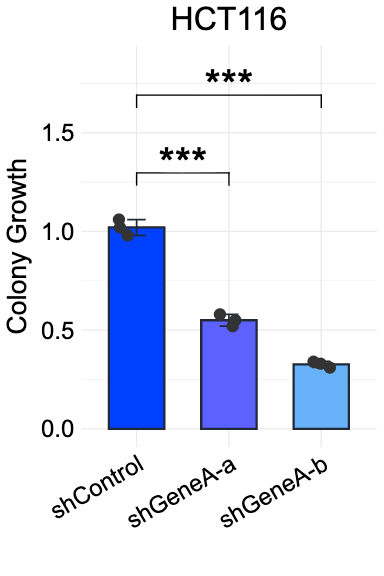
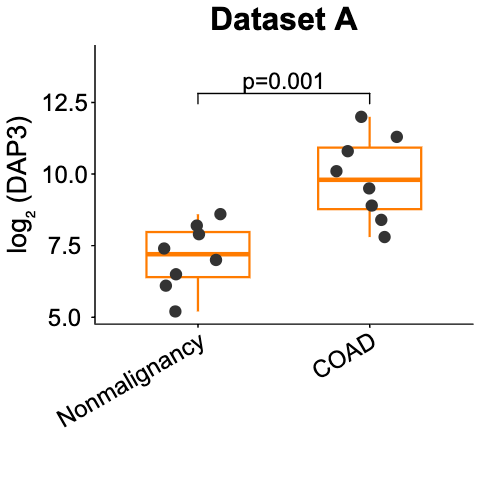
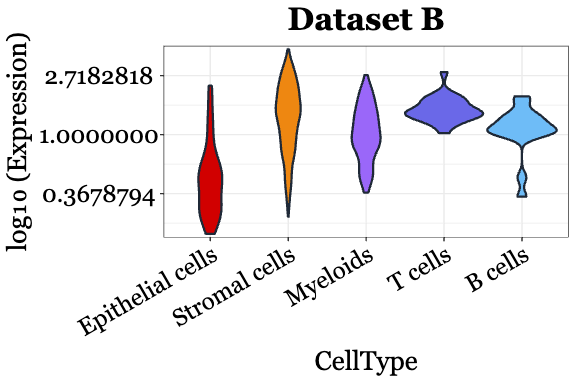
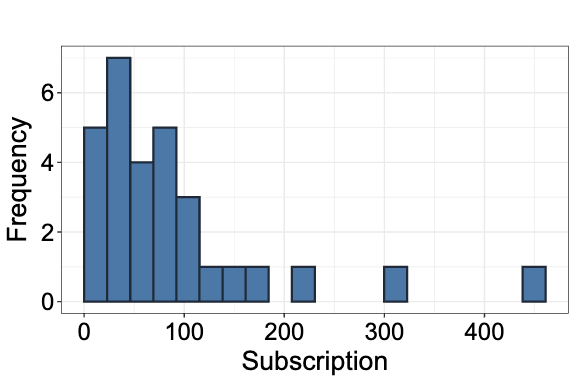
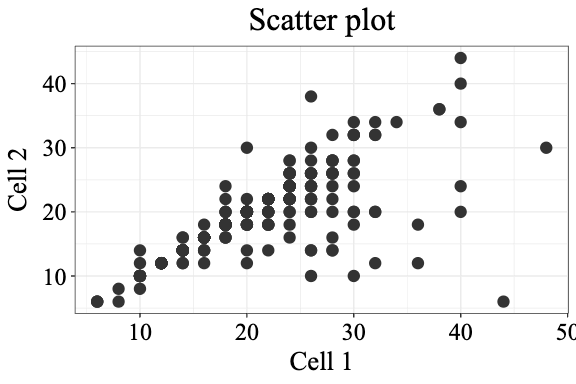
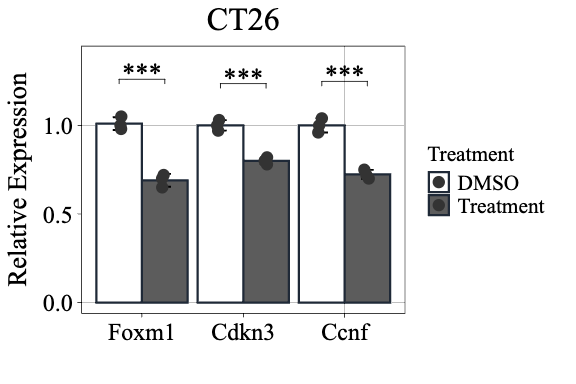
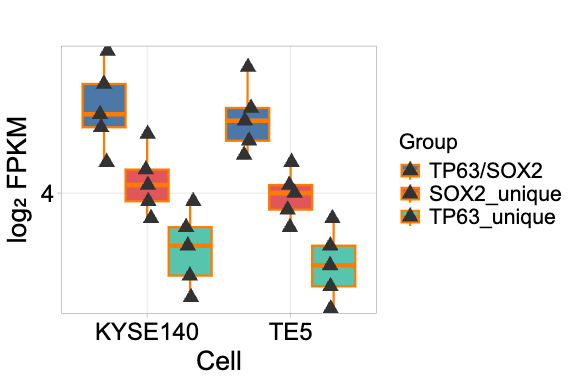
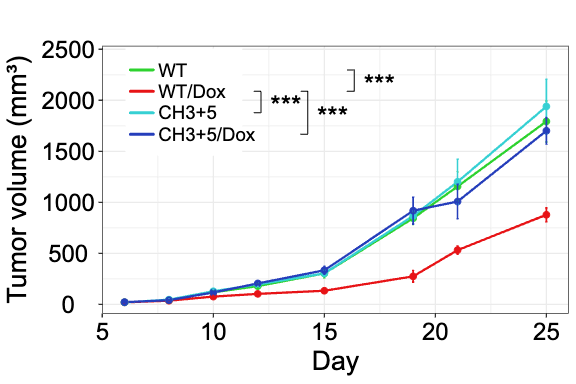
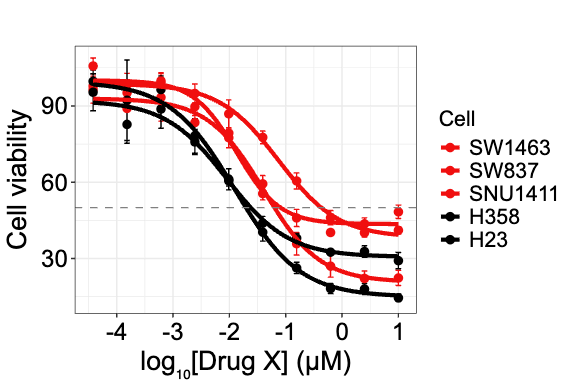
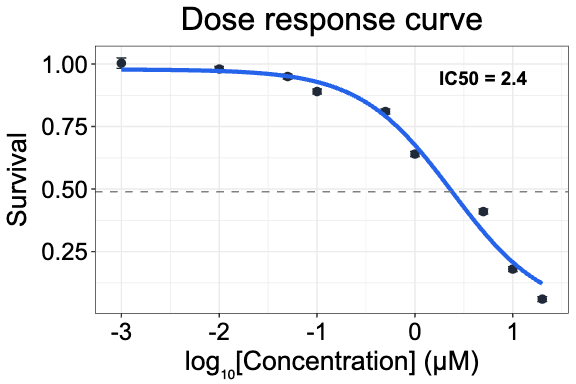
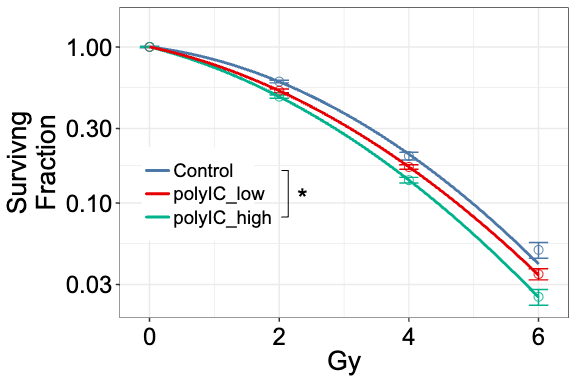
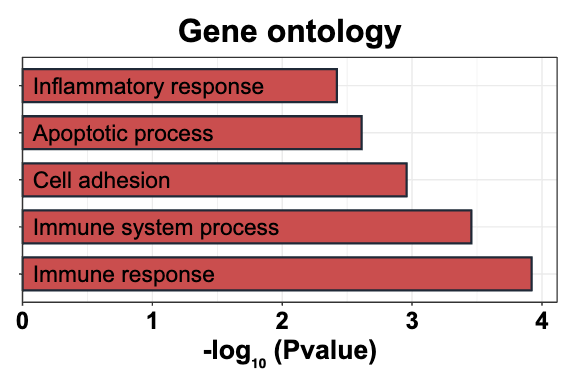
Create publication-quality scientific figures directly from Excel using R and ggplot2. No coding, no payment required.
✅ Now available on Microsoft AppSource — install directly from Excel:
Home tab → Add-ins icon → search "Figra" → Add
For manual installation only. Free for everyone (one-time registration required).
From Excel data to publication-ready figure in seconds.
Select your data, choose a chart type, and click Preview.
Double-click to enlarge
Data and settings are embedded in the PNG. Reload it anytime to reproduce or edit your figure.
Double-click to enlarge
Generate figures that meet journal standards with proper fonts, sizes, and resolution.
Powered by WebR technology. R runs directly in your browser - nothing to install.
Built-in statistical tests with automatic significance markers and post-hoc analysis.
Data and settings are embedded in the saved PNG. Reload it anytime to fully reproduce or edit your figure. Avoid social media or image sites that compress files.
Learn ggplot2 by exporting reproducible R code for any figure you create.
IC50 dose-response curves, scatter plots, and other features are under active development.
Each image contains embedded data and settings.
Download one and use Regenerate from PNG to reproduce it instantly.
Works on Windows, Mac, and Excel Online. No download needed.
Also listed on Microsoft AppSource — but install from within Excel for best results.
Click Figra in the Home tab, register (one-time), and create your first figure!
If you use Figra in your research, please cite our preprint:
Sato Y. Figra: A WebAssembly-based Excel Add-in for publication-quality scientific visualization with ggplot2. bioRxiv 2026. doi: 10.64898/2026.05.06.723320
Yes, Figra is completely free with a one-time registration.
Yes! Excel Online provides full functionality on Mac. The Mac Excel desktop app has some limitations due to Mac OS restriction: saving PNG with embedded metadata and downloading .R files directly to your folder don't work, but you can copy R code to clipboard instead.
No, Figra uses WebR technology - R runs directly in your browser with no installation required.
PNG with embedded metadata (data and settings), allowing you to regenerate figures later.
t-test, Wilcoxon test, ANOVA, and Kruskal-Wallis. Post-hoc tests include Tukey HSD, Dunnett, Steel, and Dunn, with Bonferroni and Holm correction options.
Figra runs R entirely inside your browser via WebAssembly (webR), which can use up to 4GB of your PC's memory (details). Performance depends on your available RAM and CPU speed — typical experimental datasets work well on most modern computers, but very large datasets may be slow or unresponsive. Figra is not designed for large-scale genomics data visualization such as RNA-seq or other NGS results.
No R installation. No subscription. Just great figures.
Figra is built and maintained by a single postdoctoral researcher in their spare time. It is completely free — no ads, no subscription, no paywalls.
If Figra saves you time in the lab, a small donation helps keep the project alive and supports future development. It is entirely voluntary and genuinely appreciated.
Donate via PayPalCompletely optional. Thank you for using Figra!